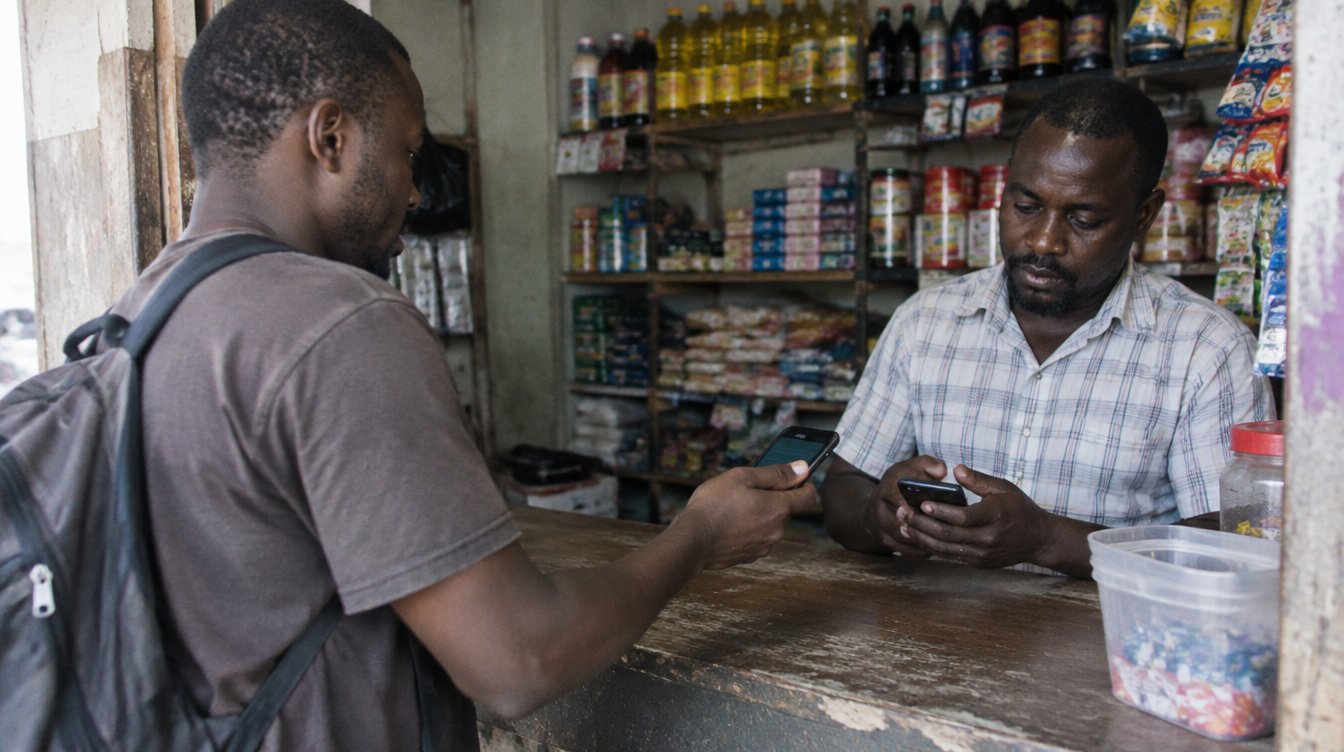
Attendance by card or by phone
Vaurse Workplace is building attendance on the card your team already carries: clock in by card or phone, see the hours, close timesheets for payroll.
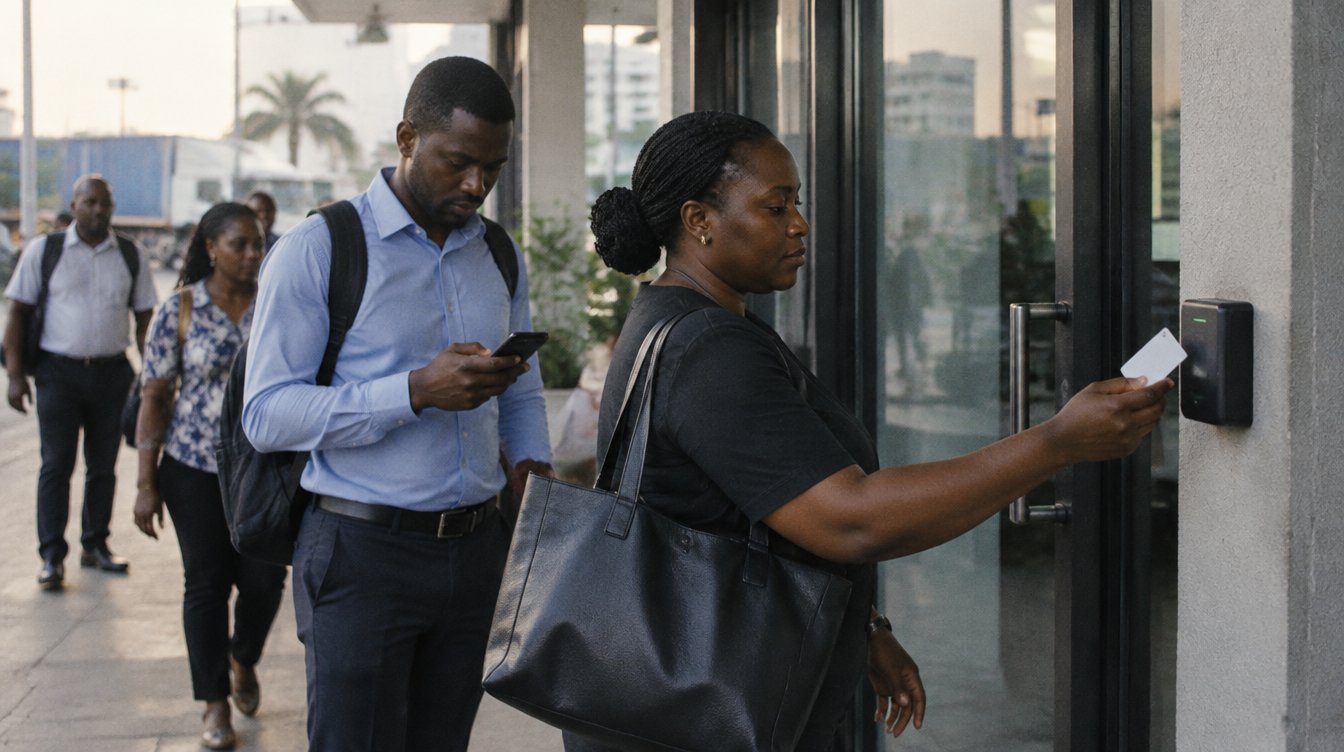
Paper sign-in books get filled in late. Someone signs for a friend. At the end of the month, a person sits with a calculator and tries to turn it all into hours for payroll. Vaurse Workplace is building a better way, using the card your team already carries.
Attendance and timesheets are on our roadmap as "Building". We're making them now. This guide explains how they are designed to work, so you can plan ahead.
Clock in by card or by phone
Every member of your team gets a staff Voscard. One card is their ID, their door key and their clock-in. Your staff never pay for it.
- By card. Staff tap in when they arrive and tap out when they leave.
- By phone. Staff can clock in with their phone, inside the branch.
Not everyone has a smartphone, and that's fine. A printed Voscard works on its own at doors. Their hours are recorded and signed by you, the employer, so there is no paper sheet to fill in after the fact.
Team hours, and your own hours
As people tap in and out, timesheets add themselves up, branch by branch. Managers see team hours in the app. Each person sees their own hours in the app too, so nobody has to ask the office what was recorded.
If you'd rather ask than look, Vaurix can help. At vaurix.ai, someone with the right role can ask "Who clocked in late this week?" and get the answer in a sentence. Vaurix can never do more than your role allows.
Teams in the field
Sales reps, drivers and technicians don't start their day at the office. With In the field, they clock in where the job is, and check in at each client visit. Each visit shows when they arrived and left, how long they stayed, the client and the address, and a note if they add one.
In the field keeps three rules:
- Tracking happens only while they're clocked in. Never on their own time.
- Locations are deleted after 30 days.
- They see exactly what their manager sees.
You see the day's visits and hours on one map: who's out, where each visit was, and who's on a visit right now. You see their day's work, not their every move. Field time goes into attendance and timesheets with everything else, ready for payroll.
Timesheets closed for payroll
At the end of a period, timesheets are closed for payroll. The hours come from the taps your team made, ready for payroll, so nobody has to retype a sign-in book at the end of the month.
Timesheets, leave, shifts and payroll export are part of the Business plan. You can see what each plan includes on our prices page.
What stays private
Where you use Vaurse for clock-in, the time and door of each tap is recorded for you. You see what you need to run your cards, doors and records, and nothing from anyone's other organisations. A person's attendance, door taps and where their card has been are never shared with apps.
If a card is lost, it can be frozen in one tap, and the doors stop accepting it. When someone leaves, their card stops that morning. The record of their time with you stays theirs.
Ready to start? Setting up takes four steps: set up your business and we check it against your registration, add your branches, add your team, and order cards or start with digital ones today. The free Training Center has short lessons for staff on tapping in and out and seeing their attendance, and for admins on setting up doors, branches and attendance. Set up your business, and be ready when attendance opens.